
User-guide
Support
Contact the Magistrala team directly from the platform
Overview
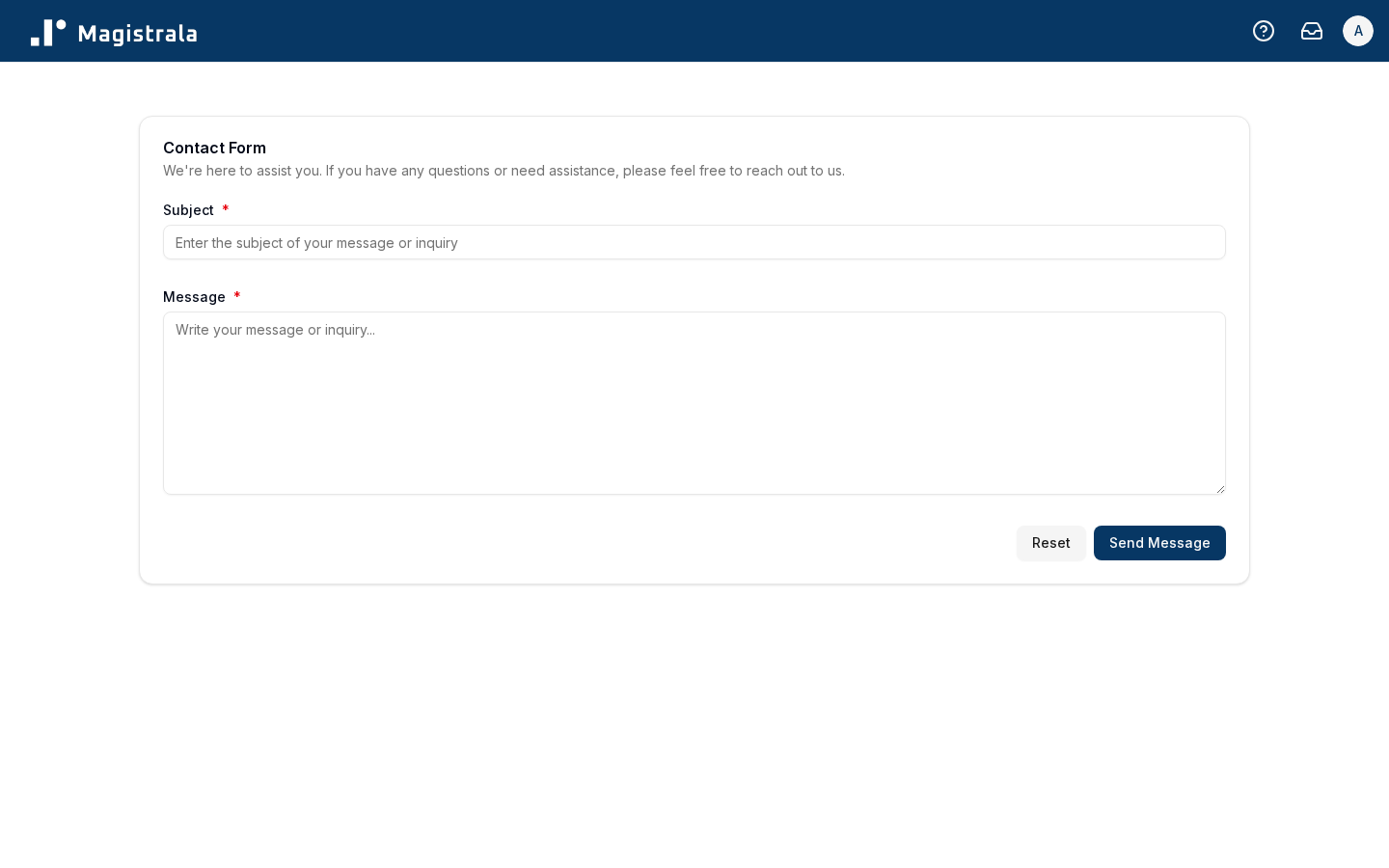
The Support page lets you send a message directly to the Magistrala team from within the platform, without needing to look up a separate contact address.
To access it, click Support in the sidebar.
Send a message
Fill in the Subject and Message fields, then click Send Message.
| Property | Description | Required |
|---|---|---|
| Subject | A short summary of your question or issue | ✅ |
| Message | The full details of your question or issue | ✅ |
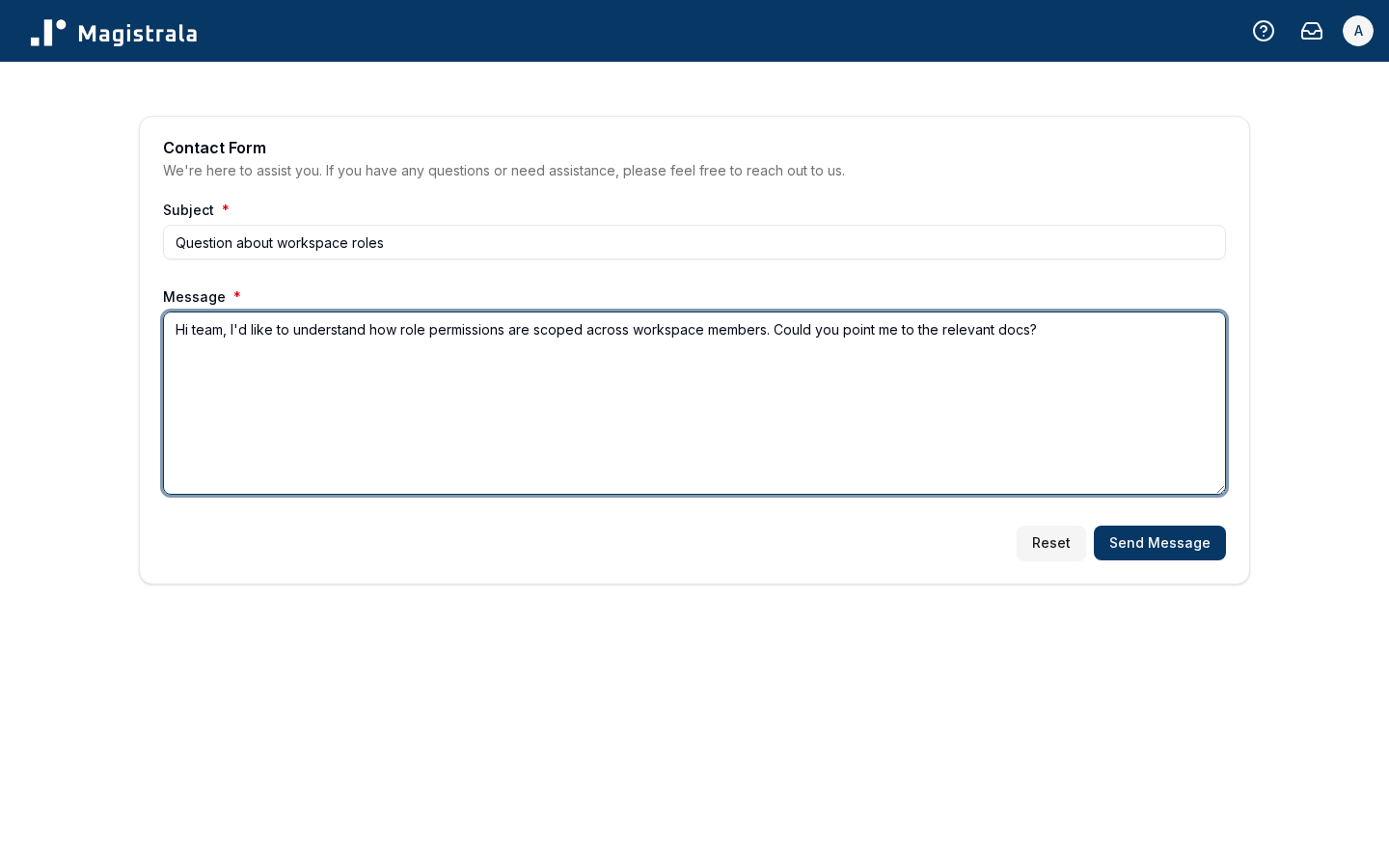
Once sent, you'll see a confirmation toast and be redirected back to your workspace. If your account email isn't verified yet, you're redirected to your profile instead, where you can verify it.